

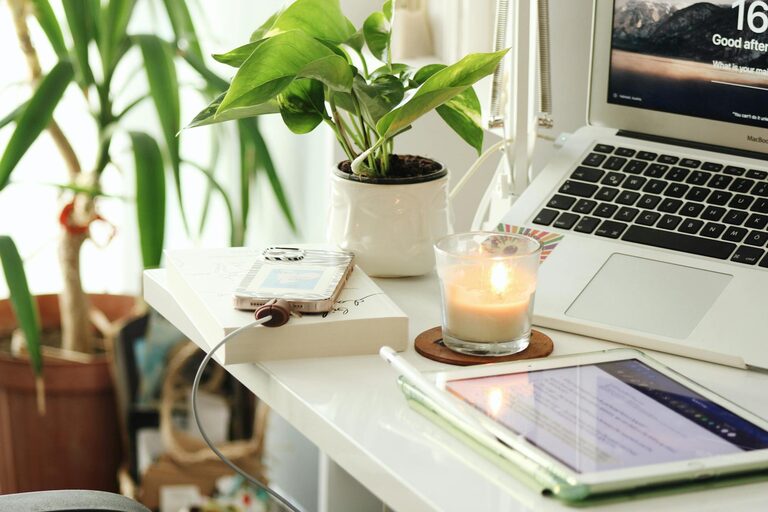
Creating a home office space that feels both cozy and productive is essential for anyone working remotely or managing tasks from home. A well-designed workspace can improve focus, reduce stress, and make long hours more enjoyable. Whether you are setting up a new office or refreshing an existing one, these simple tips will help you create a space that enhances your workday.
Choose the Right Location
The foundation of a great home office starts with selecting the best spot in your home. Ideally, this should be a quiet area with minimal distractions. Here are some considerations:
– Natural Light: Position your desk near a window if possible. Natural light helps boost mood and energy, making work more pleasant.
– Privacy: Choose a place where you can close a door or separate the space from busy areas of your home.
– Accessibility: Make sure you have easy access to necessary resources like a power outlet, Wi-Fi router, and storage.
Invest in Comfortable Furniture
Comfort plays a big role in productivity. When you feel good physically, it’s easier to focus. Key furniture pieces include:
– Ergonomic Chair: Supportive seating reduces back pain and improves posture.
– Appropriate Desk: Choose a desk size that fits your needs without overcrowding. Adjustable desks that allow standing are an added bonus.
– Additional Seating: If space allows, a small couch or comfy chair is great for reading or brainstorming away from the desk.
Organize with Purpose
Clutter can distract and drain energy. Keeping your workspace tidy encourages concentration and efficiency.
– Storage Solutions: Use shelves, filing cabinets, or organizers to keep documents, supplies, and gadgets neatly stored.
– Daily Declutter: Spend 5 minutes at the end of each day clearing your desk.
– Cable Management: Use clips or sleeves to keep cords untangled and out of sight.
Personalize Your Space
Adding personal touches makes your office inviting and reflects your personality. This helps create a space you want to spend time in.
– Artwork and Photos: Display inspiring images or pictures of loved ones.
– Plants: Indoor plants improve air quality and add a calming green element.
– Decor: Use colors, rugs, or cushions that make the room feel warm and welcoming.
Manage Lighting Effectively
Good lighting reduces eye strain and sets the atmosphere for work.
– Balance: Combine natural light with soft, warm artificial lights.
– Task Lighting: A desk lamp focused on your workspace can help you see better without harsh overhead lights.
– Avoid Glare: Position monitors and lamps so you don’t get reflections or glare on screens.
Minimize Noise and Distractions
Maintaining a quiet environment aids concentration.
– Noise-Cancelling Headphones: Perfect for blocking out household sounds.
– Soft Sounds: Some people benefit from white noise machines or calm background music.
– Clear Boundaries: Communicate your work hours to others in your home to reduce interruptions.
Embrace Technology Smartly
Technology should support your work, not complicate it.
– Reliable Equipment: Invest in a good computer, printer, and other tools you need.
– Fast Internet: A strong connection prevents frustrating delays.
– Software Tools: Use productivity apps to help organize tasks and meetings.
Take Breaks and Change Posture
Your home office should encourage healthy habits.
– Break Area: If you have space, create a small corner for stretching or relaxing.
– Movement: Change your posture regularly; use a standing desk or take short walks.
– Eye Care: Follow the 20-20-20 rule — every 20 minutes, look at something 20 feet away for 20 seconds.
Final Thoughts
Designing a cozy and productive home office doesn’t require a major renovation or big budget. By focusing on comfort, organization, and atmosphere, you can create a space that supports your work and wellbeing. Keep it simple, adjust to your personal needs, and enjoy a better work-from-home experience.